The problem
You're doing the same webinar every week.
You've given this presentation 30 times. The content barely changes. The questions are always the same. But you still block an hour, show up, present, answer "Does it integrate with Slack?", and do it again next Tuesday.
Or worse — you stopped doing webinars because you couldn't justify the time. So now there's no top-of-funnel at all.
We built Keep'em because we were tired of repeating ourselves.
We ran the same product webinar every week. Same slides, same demo, same Q&A. So we recorded our best take and built a platform that lets AI handle the questions — trained on our actual content. The webinar ran 24/7. Prospects still got their questions answered. And we got our calendar back.
Read the full case studyYou provide the webinar. Keep'em provides the Q&A.
AI chat trained on your content, built into every webinar. Viewers ask questions, get instant answers, and your team only handles what the AI can't.
AI Q&A that never clocks out.
Keep'em reads your webinar transcript and every document you upload. When a viewer asks a question at 2 AM, they get the same answer you'd give them live. When the AI isn't confident, it flags it for your team with full context. No generic chatbot. This is AI trained specifically on your content.
AI Assistant
Trained on this content
Ask about this session
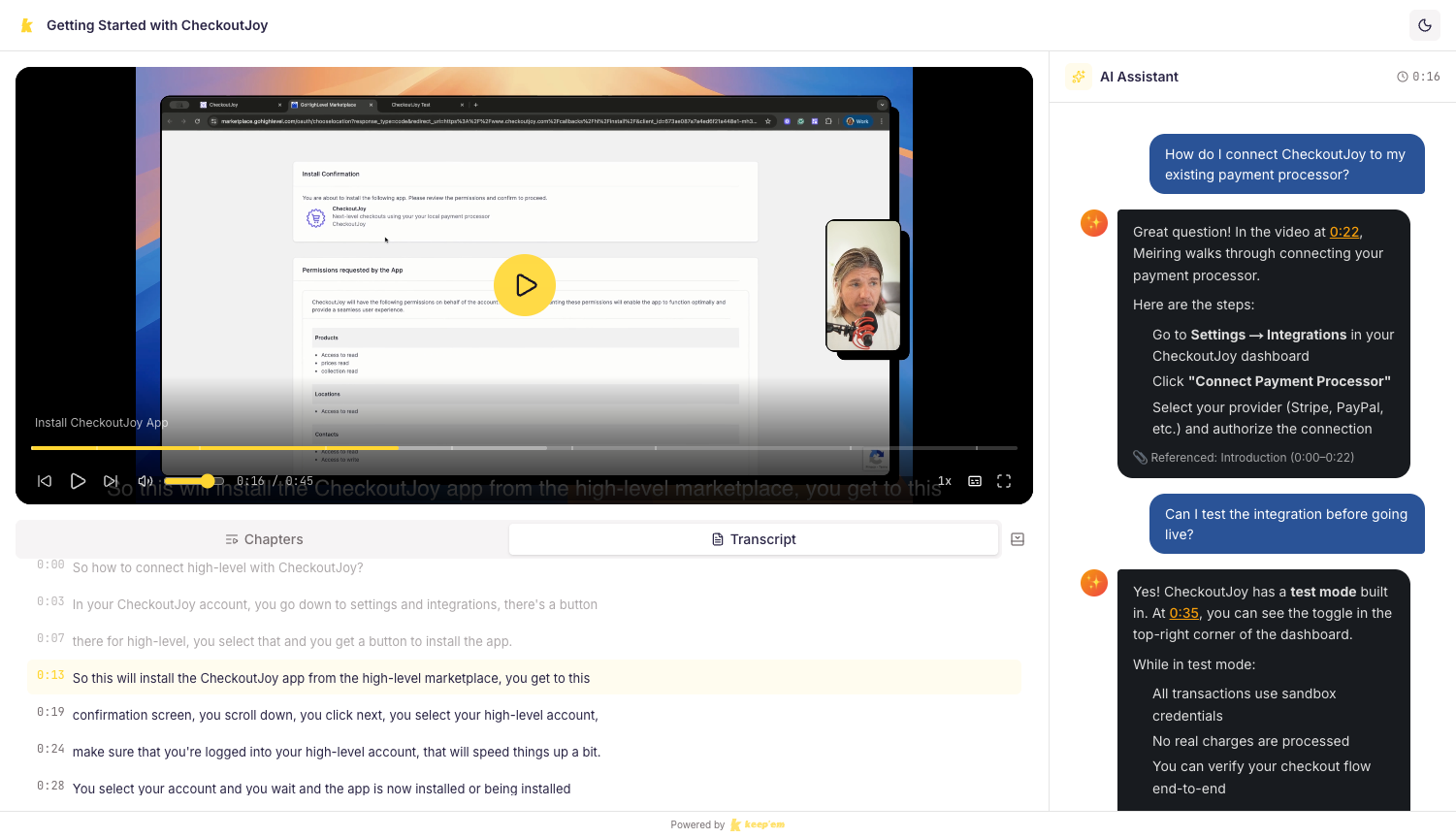
AI answers questions about what's being shown in the video.
Answers instantly, escalates when needed
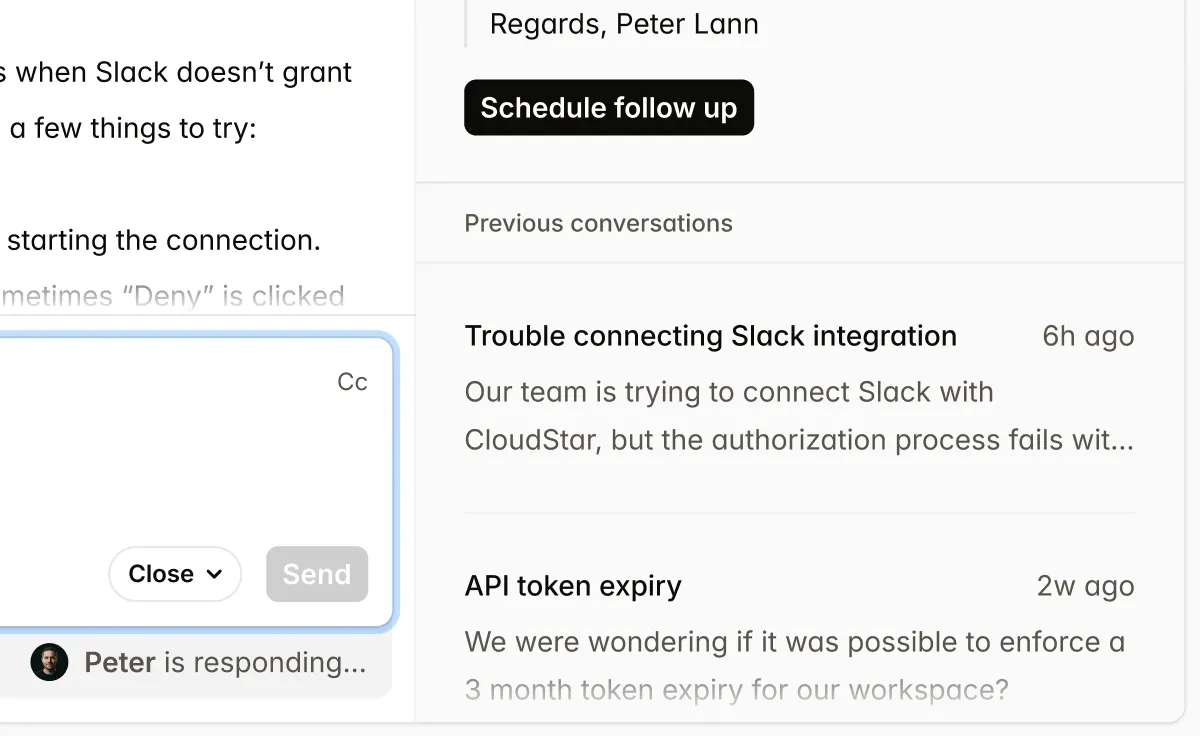
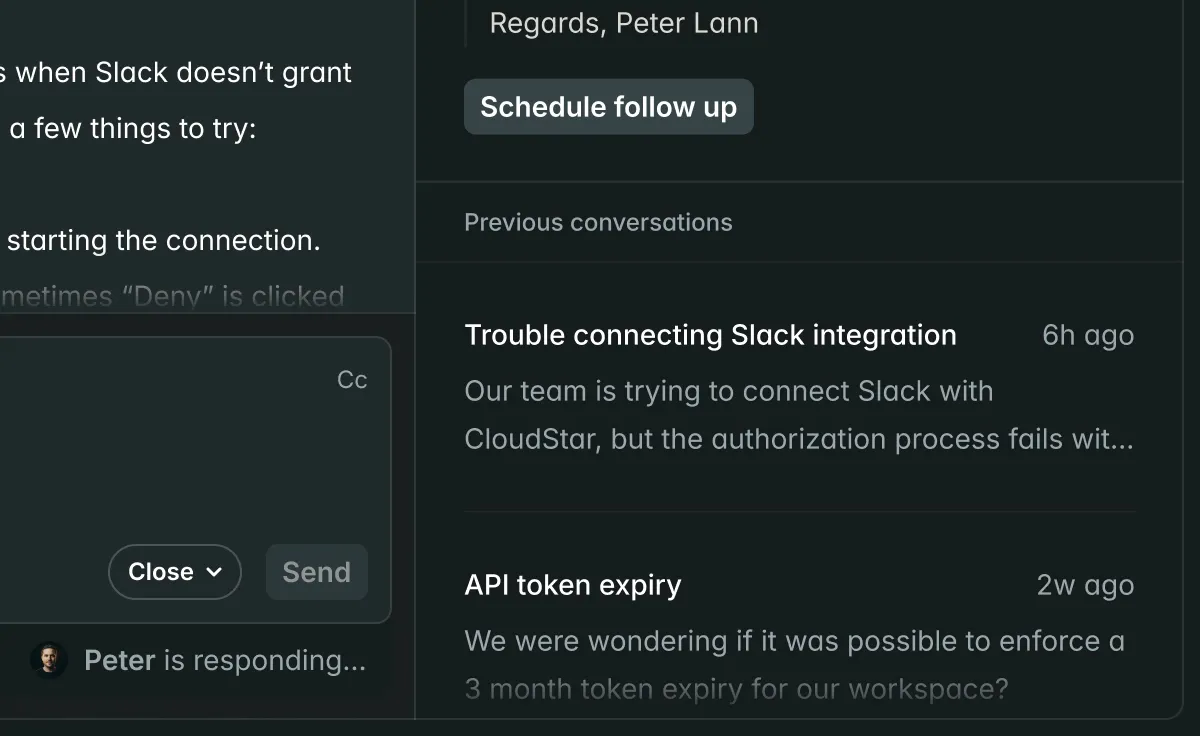
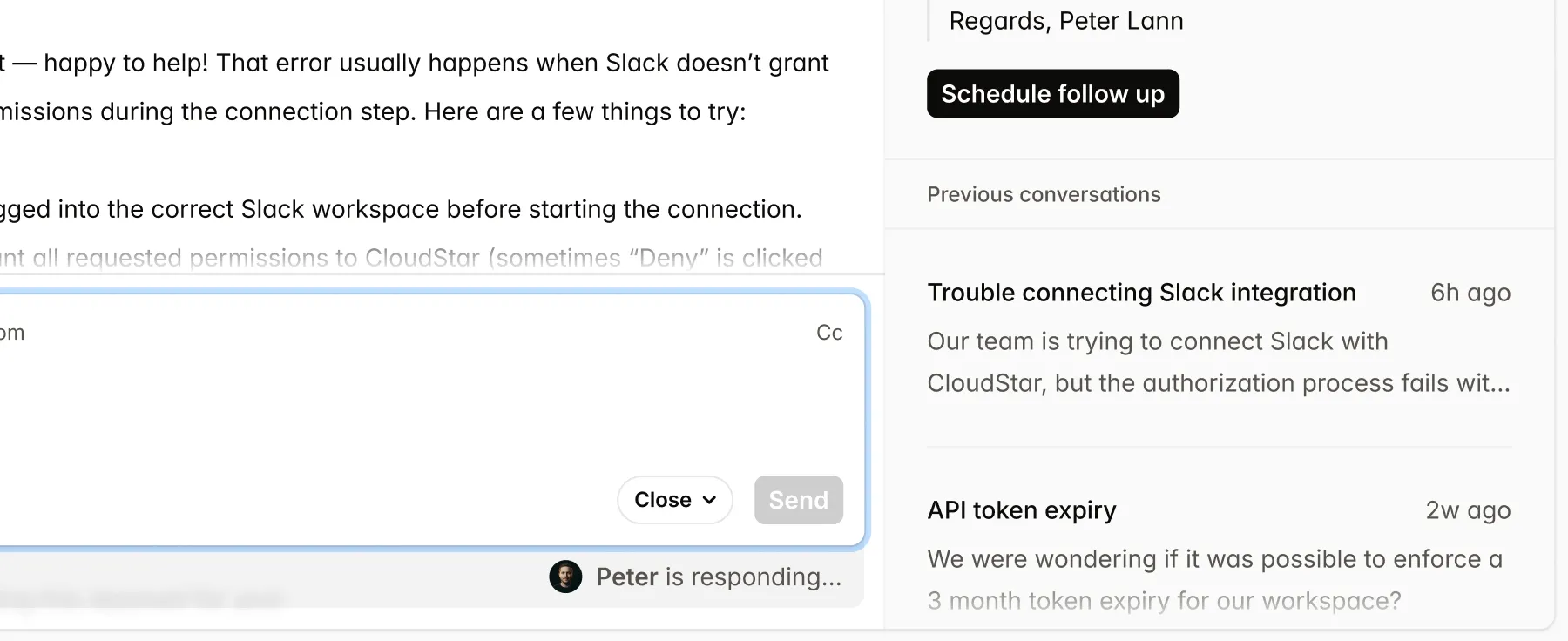
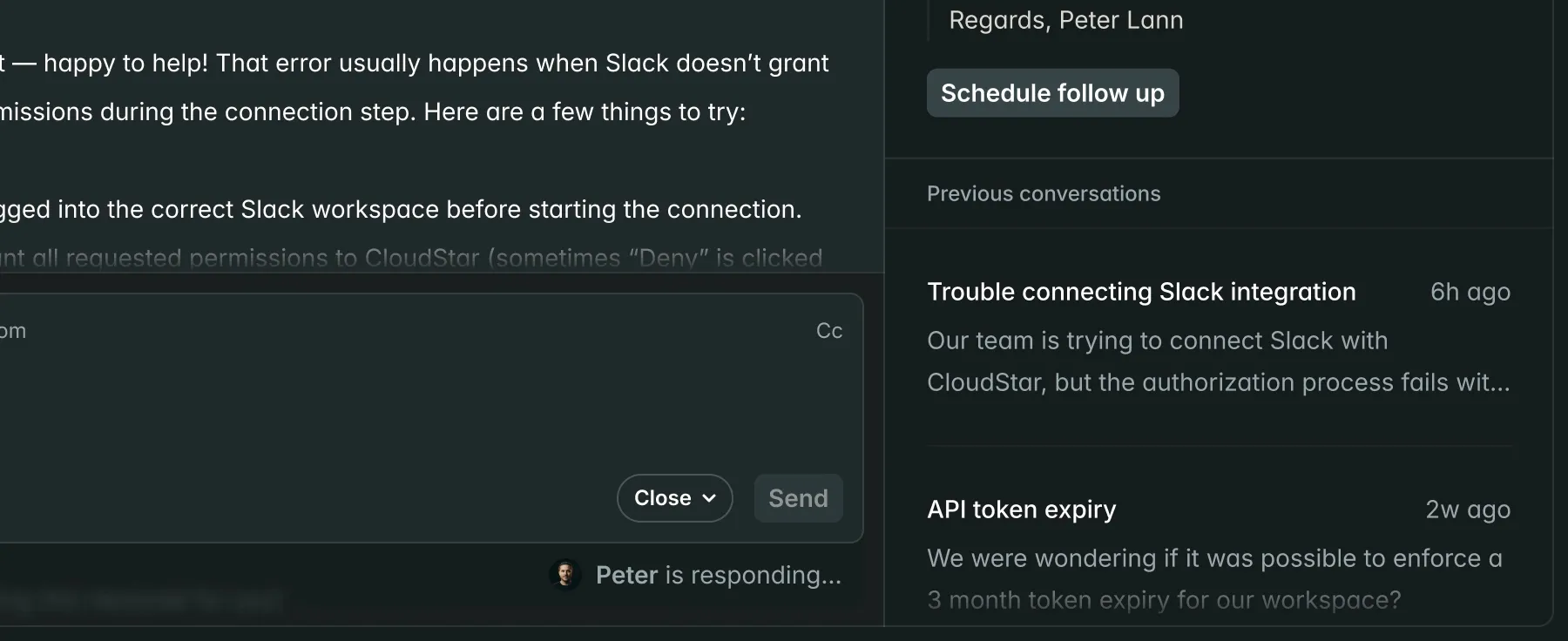
AI handles the volume. When it can't answer, or a viewer asks for a person, your team gets a Slack message with who they are, what they were watching, the timestamp, and what the AI already tried. Your team replies in the Slack thread. The viewer sees it in real time, right in the webinar.
See where viewers drop off
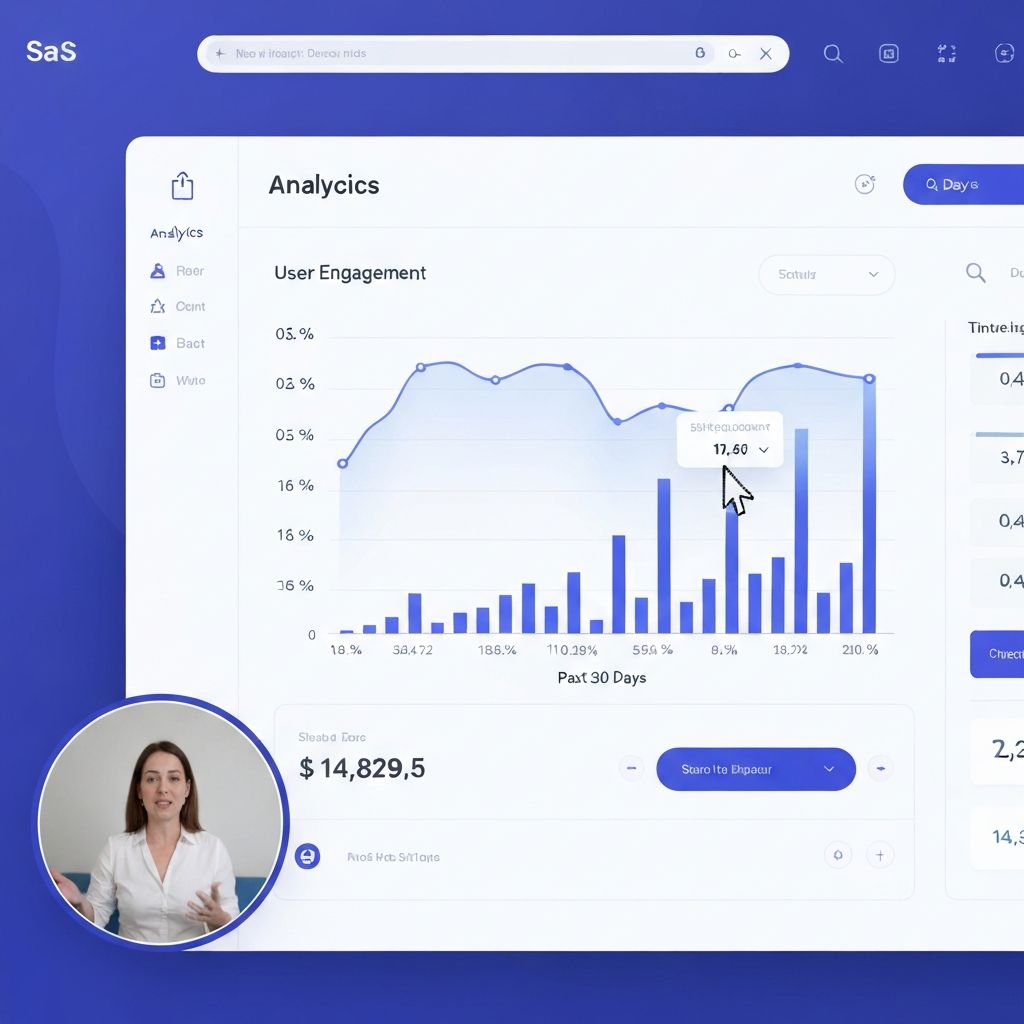
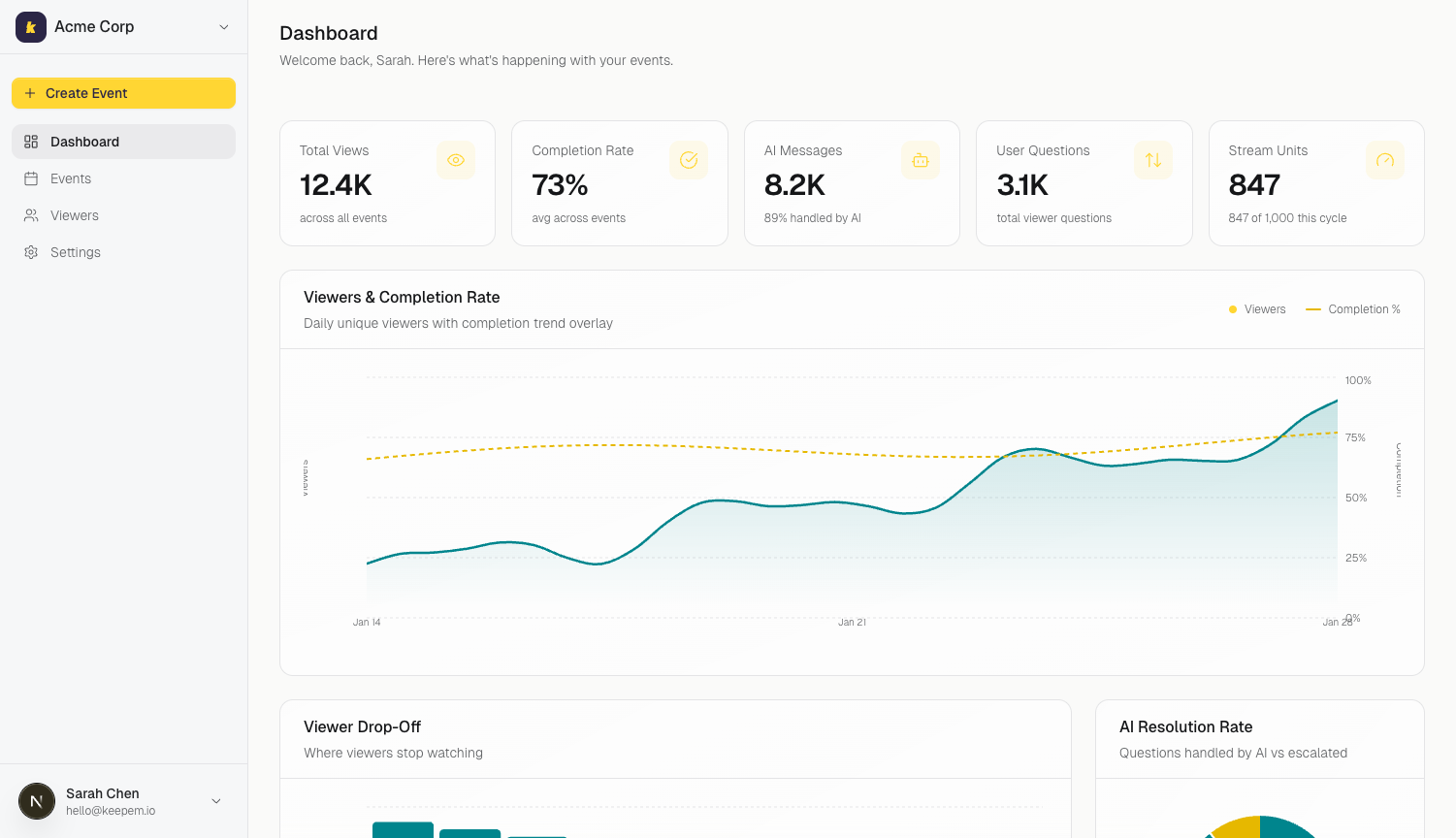
See exactly where viewers lose interest. Which questions come up most. What your content is missing. If everyone drops off at minute 6, you know what to fix in your next recording.
Plugs into your stack
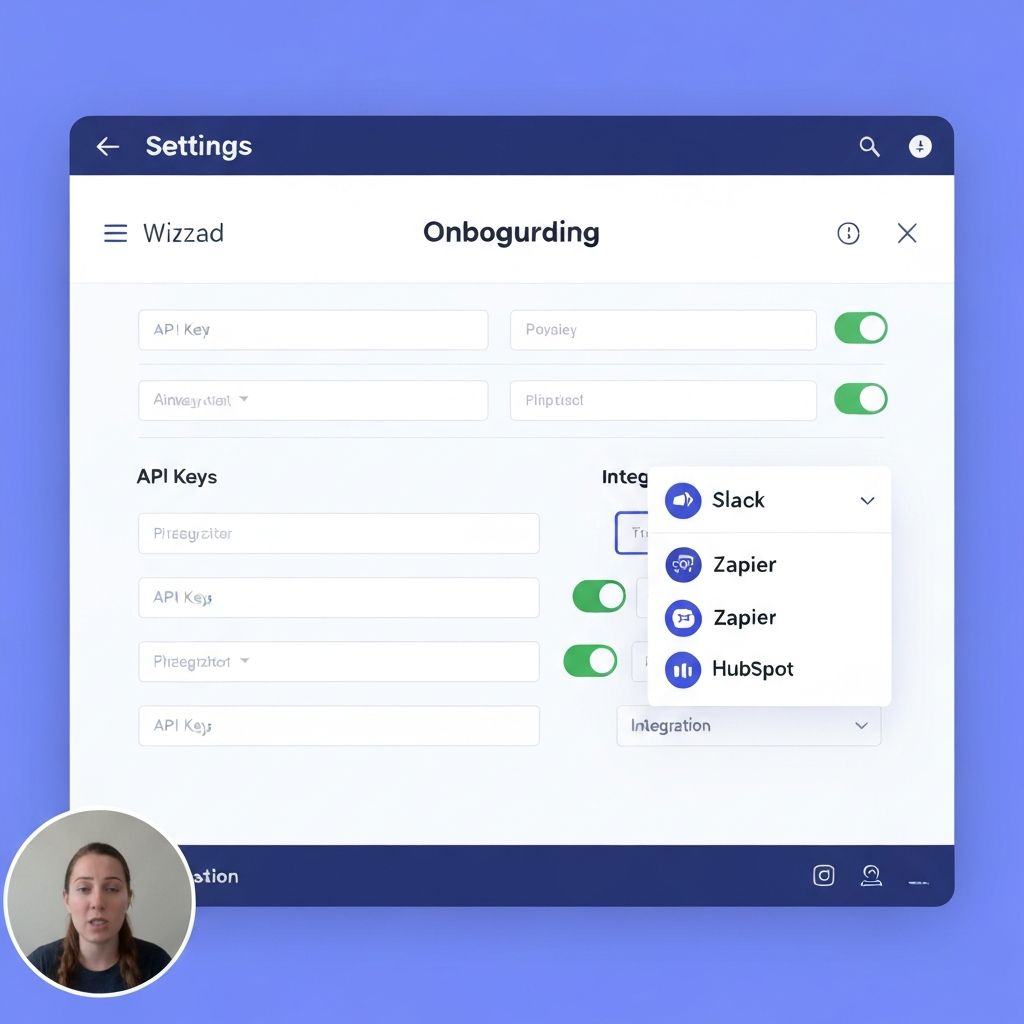
Zapier, webhooks, and email notifications. Fire events on completions, escalations, or drop-offs. Route them to your CRM, support desk, or Slack.
Gets smarter with every webinar
Every viewer question shows you what your content is missing. Questions that keep getting escalated tell you what to cover in your next recording.
Keep'em is a webinar platform with AI chat trained on your content.
You upload your webinar recording. We transcribe it. We train an AI on the transcript plus any docs you upload (slide decks, FAQs, pricing pages, whatever). When someone watches and types a question, the AI answers instantly — using your content. If it can't answer, your team gets a Slack message with full context. That's it. Your best webinar + AI that knows your stuff.
Record your best webinar once and run it forever. Viewers register, watch, and ask questions — and AI answers instantly from your actual content. No fake chat. No deception.
Send prospects the webinar link. They watch on their own schedule, ask questions, and get instant answers. By the time they book a call, they already understand your product.
Schedule recurring webinar sessions, capture registrations, and let the content sell while you focus on nurture. Every session runs itself — with real Q&A.
Upload to live webinar in minutes.
Upload your webinar recording
Keep'em transcribes it, generates chapters and subtitles automatically. Processing takes minutes.
Add your supporting content
Upload your slide deck, FAQ doc, pricing page, or any supporting material. The AI ingests all of it — so it can answer questions that go beyond what's in the video itself.
Set up registration and go live
Configure a registration page with your branding. Set recurring schedules or make it on-demand. Attendees get confirmation emails and reminders automatically.
14 days, no credit card required.
The webinar experience
Everything your viewers need, in one place.
Great Viewer Experience
What your attendees see.
Attendees watch your webinar and ask questions in real time. AI answers instantly from your content — sourced, not hallucinated.


Registration & Scheduling
Runs on your schedule.
Branded registration pages, recurring schedules or on-demand access. Confirmation emails and reminders go out automatically.
Live Escalation
What your team sees.
A Slack message with the viewer's question, what they were watching, what timestamp they were at, and what the AI already tried.
Insights & Analytics
What you see.
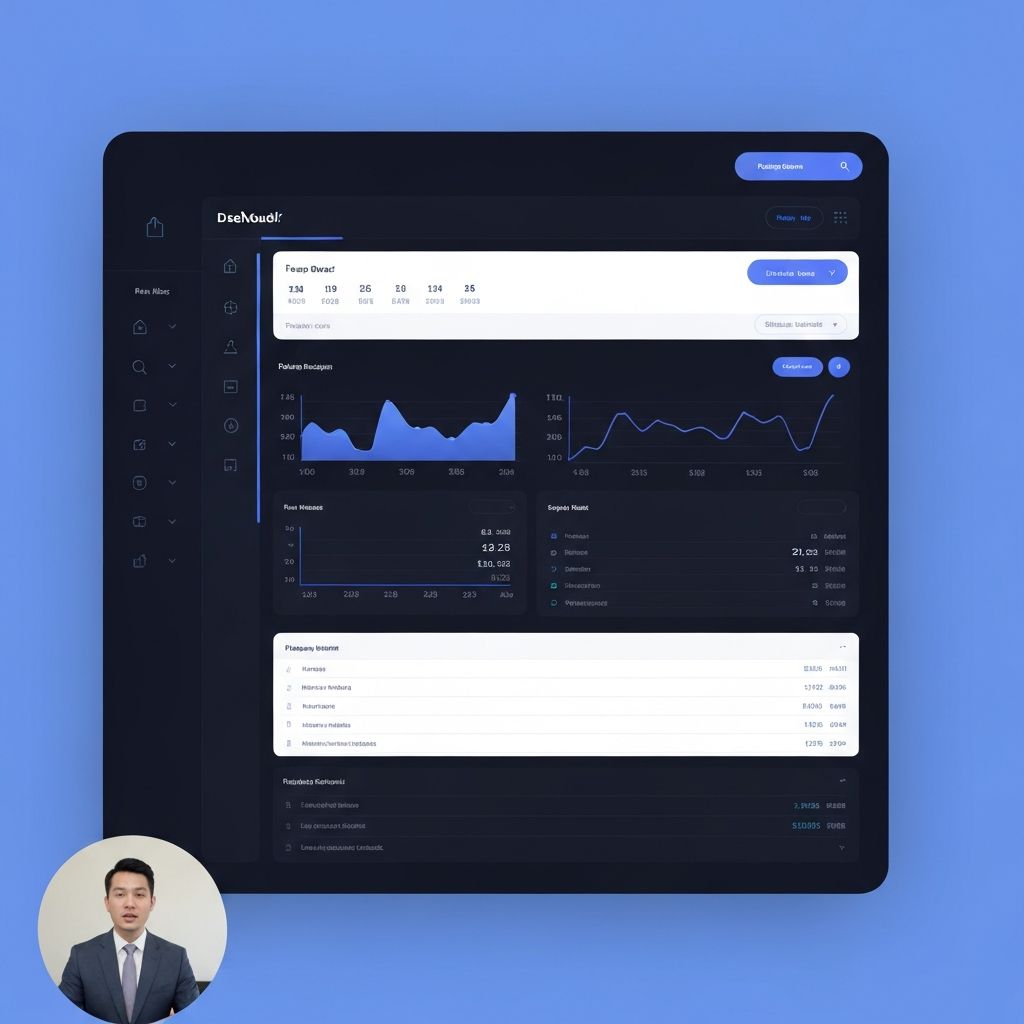
Drop-off points, completion rates, top questions, and AI confidence scores — everything you need to improve your next webinar.
One platform, multiple use cases.
Your best webinar, running 24/7.
Record it once. Set a schedule or make it on-demand. Viewers register, watch, and ask questions — and the AI answers from your content in real time. When it can't, your team jumps in via Slack.
- →Run it once, not every week
- →Real Q&A, not fake chat
- →Prospects self-qualify before the call
- →Every webinar becomes an evergreen asset
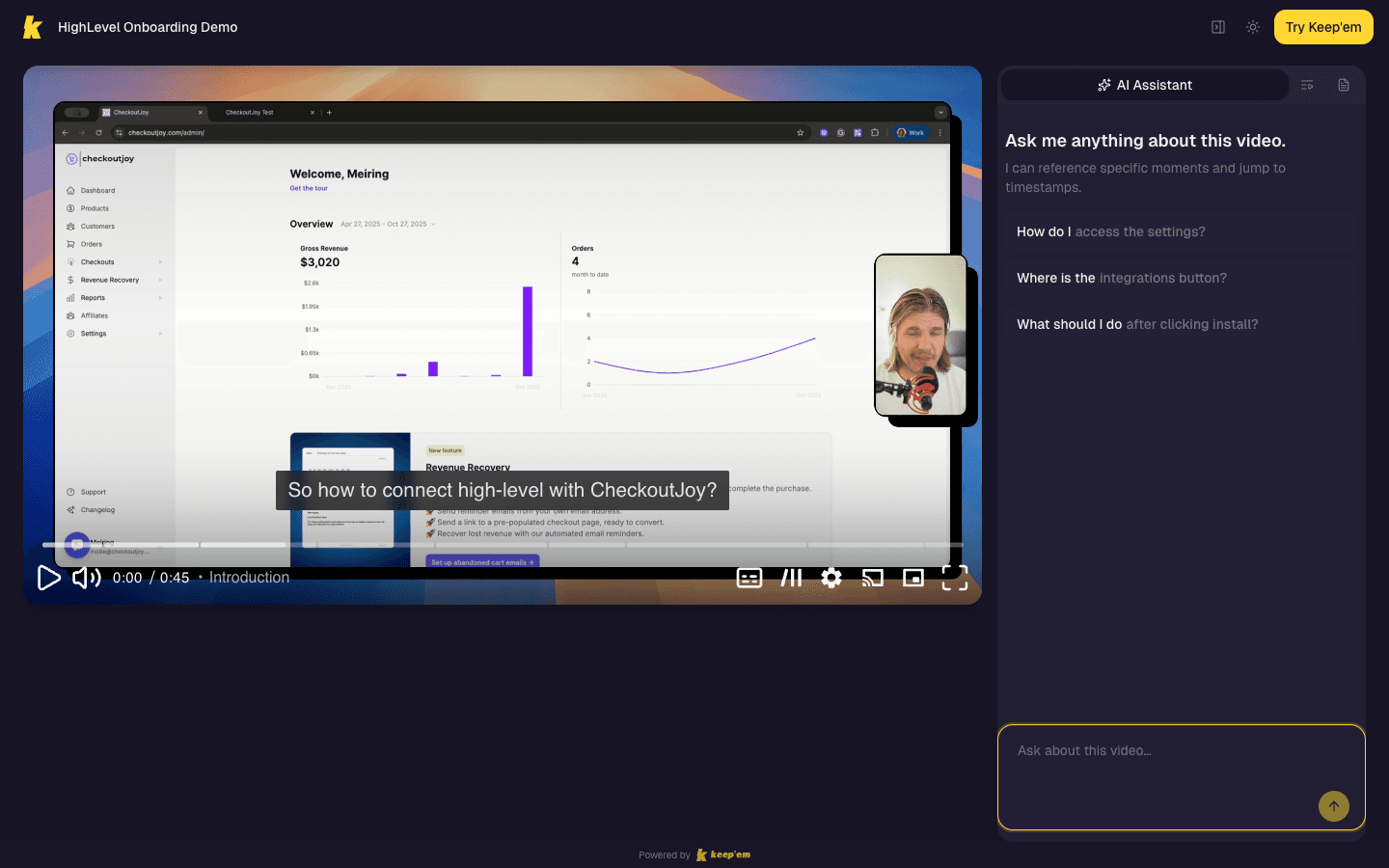
Your onboarding video, but it talks back.
Embed interactive videos in your dashboard. Every new user gets the same great onboarding, with their questions answered on the spot — no matter what timezone they're in.
- →Faster time-to-value
- →Fewer support tickets
- →Works across every timezone
- →See where users get stuck
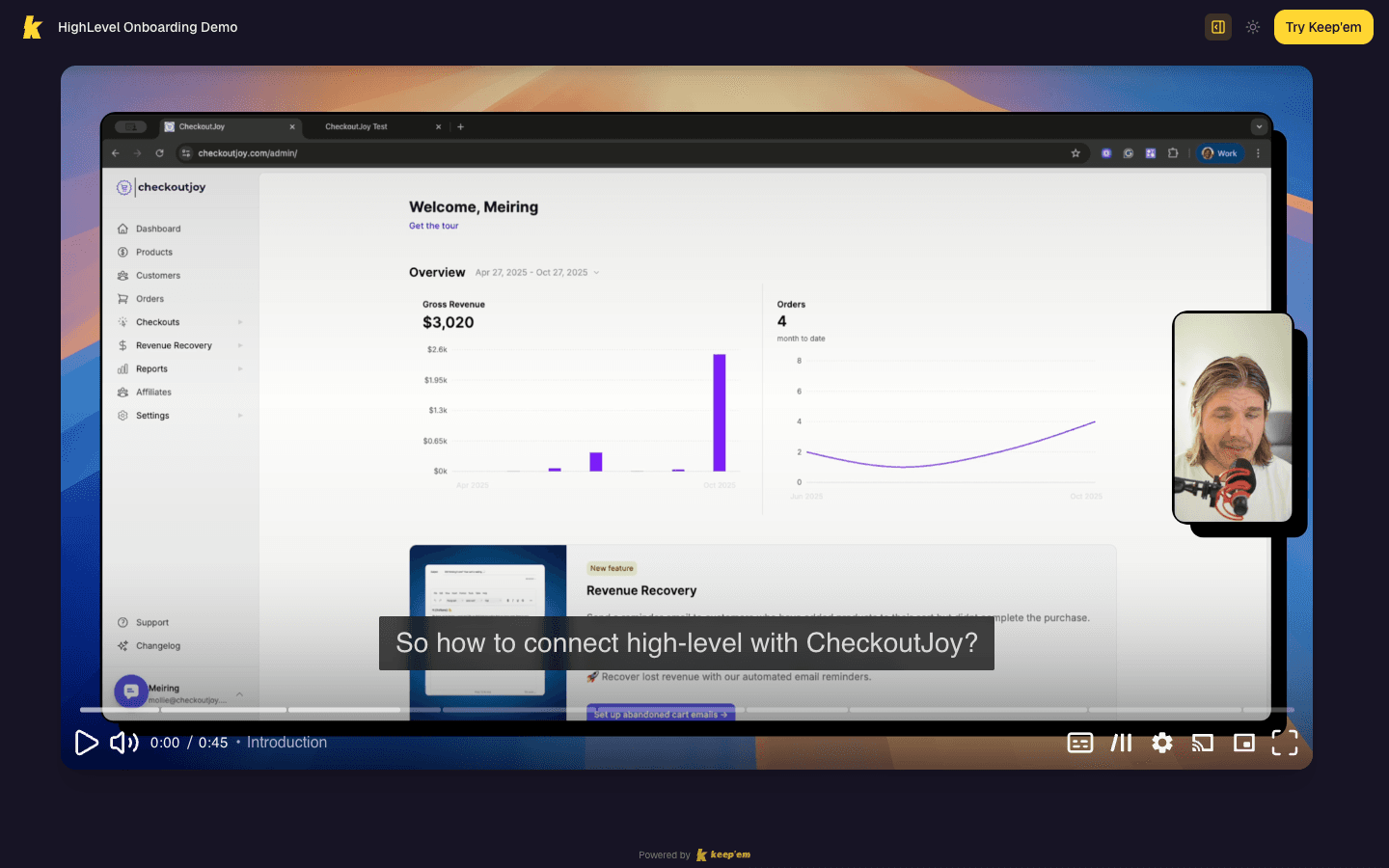
Record once. Run forever. Every question answered.
Upload your webinar recording, add your supporting content, and let AI handle the Q&A. Every viewer gets your best presentation — with real answers to real questions, around the clock.
14 days, no credit card required.